FREE Shipping on orders over £50

info@1clickprint.com
01909 561888
Watch the video walkthrough: DTF Printer Calibration Guide on YouTube
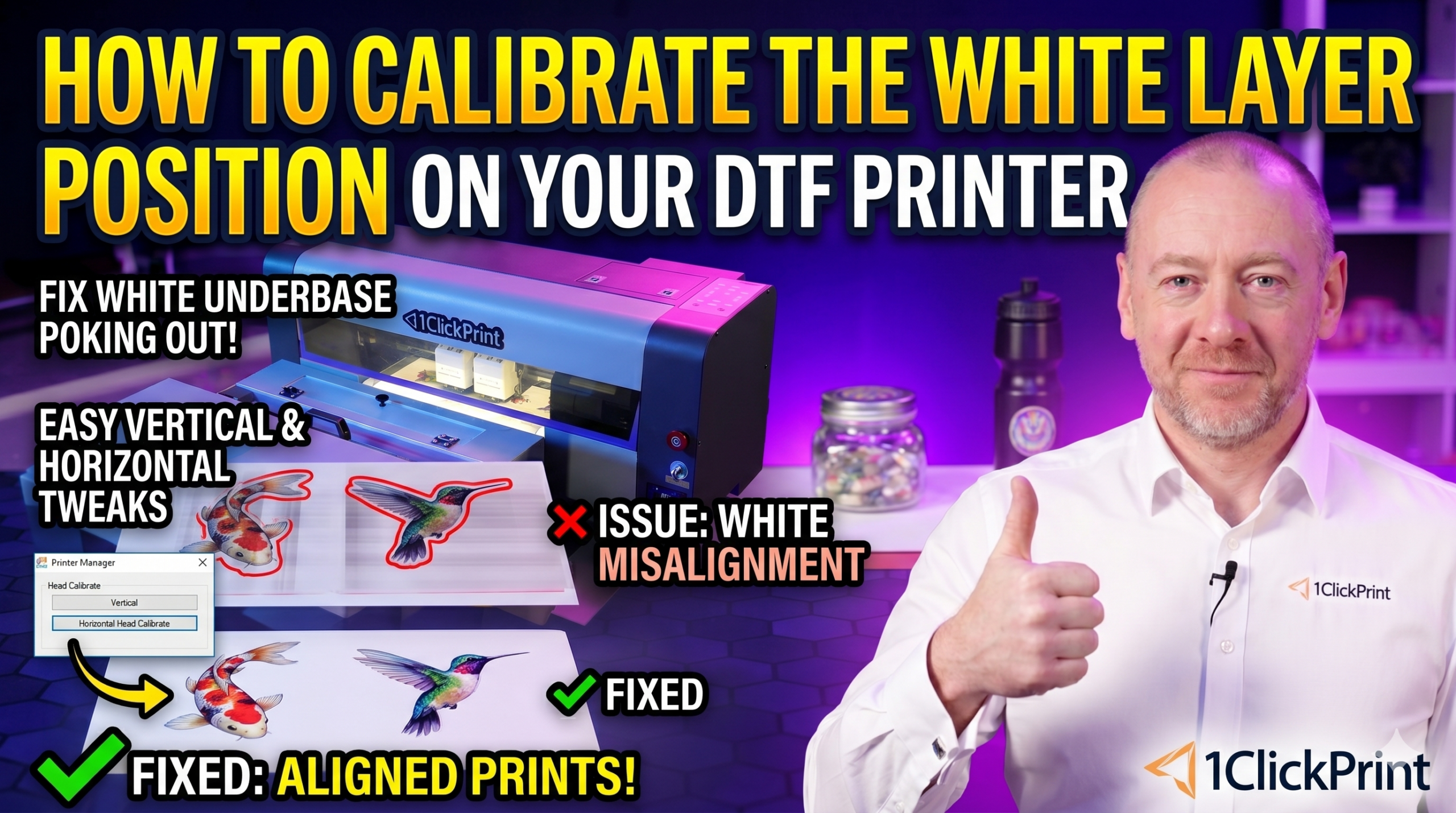
If the white under-base layer is poking out from the edges of your colour print, your white layer position calibration needs adjusting. DTF prints are made up of two layers — the CMYK colour layer goes down first, and then a separate print head lays a white layer on top. For perfect prints, the printer needs to know exactly how far apart these two print heads are.
There are two calibrations to complete here: vertical (the distance between heads along the direction of film travel) and horizontal (the side-to-side alignment). We’ll cover both.
As with any calibration:
This calibration aligns the white layer with the colour layer along the vertical axis (the direction the film feeds through the printer).
This calibration aligns the white layer with the colour layer along the horizontal axis (side to side). Because your printer prints bi-directionally, you’ll need to calibrate both the left pass and the right pass separately. The values are often similar but not always identical.
Tip: It’s normal for the left and right values to differ by a small amount — they might be the same, or one or two apart. Don’t worry if they’re not identical.
If the white layer is still showing at the edges of your prints after calibration:
