FREE Shipping on orders over £50

info@1clickprint.com
01909 561888
Watch the video walkthrough: DTF Printer Calibration Guide on YouTube
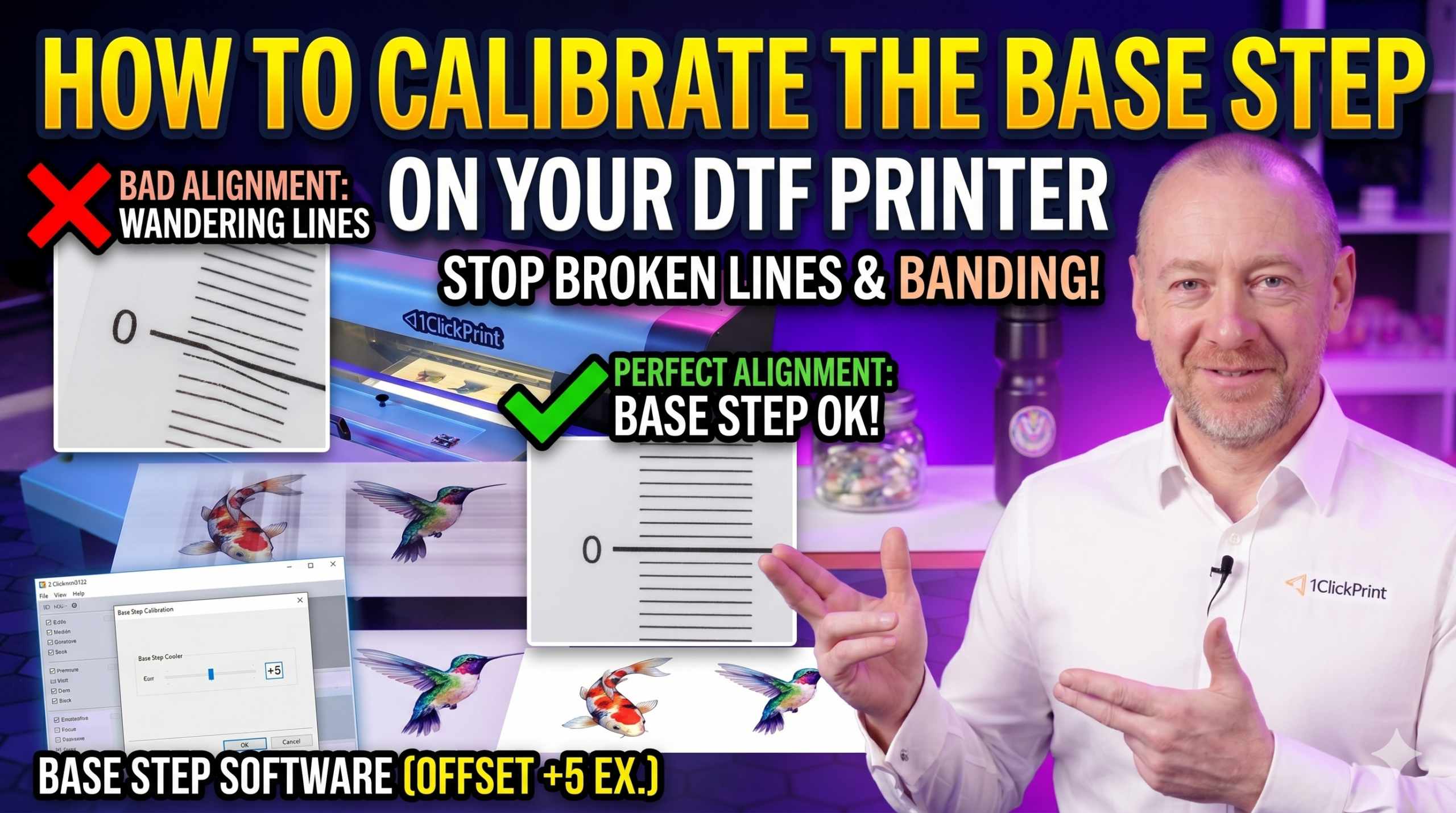
If you’re seeing horizontal lines or banding across your prints, and your nozzle check looks fine, the base step calibration may be off. The base step controls how far the printer’s stepper motors feed the film between each pass of the print head. If the step size isn’t quite right, you’ll get visible lines running horizontally across your output.
Important: As with other calibrations, this is the amount you change the value by, not the number you set it to.
If banding persists after calibration:
Tip: Banding can have multiple causes. If your calibration looks correct but you’re still seeing lines, check the nozzles and film tension before re-calibrating — adjusting a correct calibration will only make things worse.
