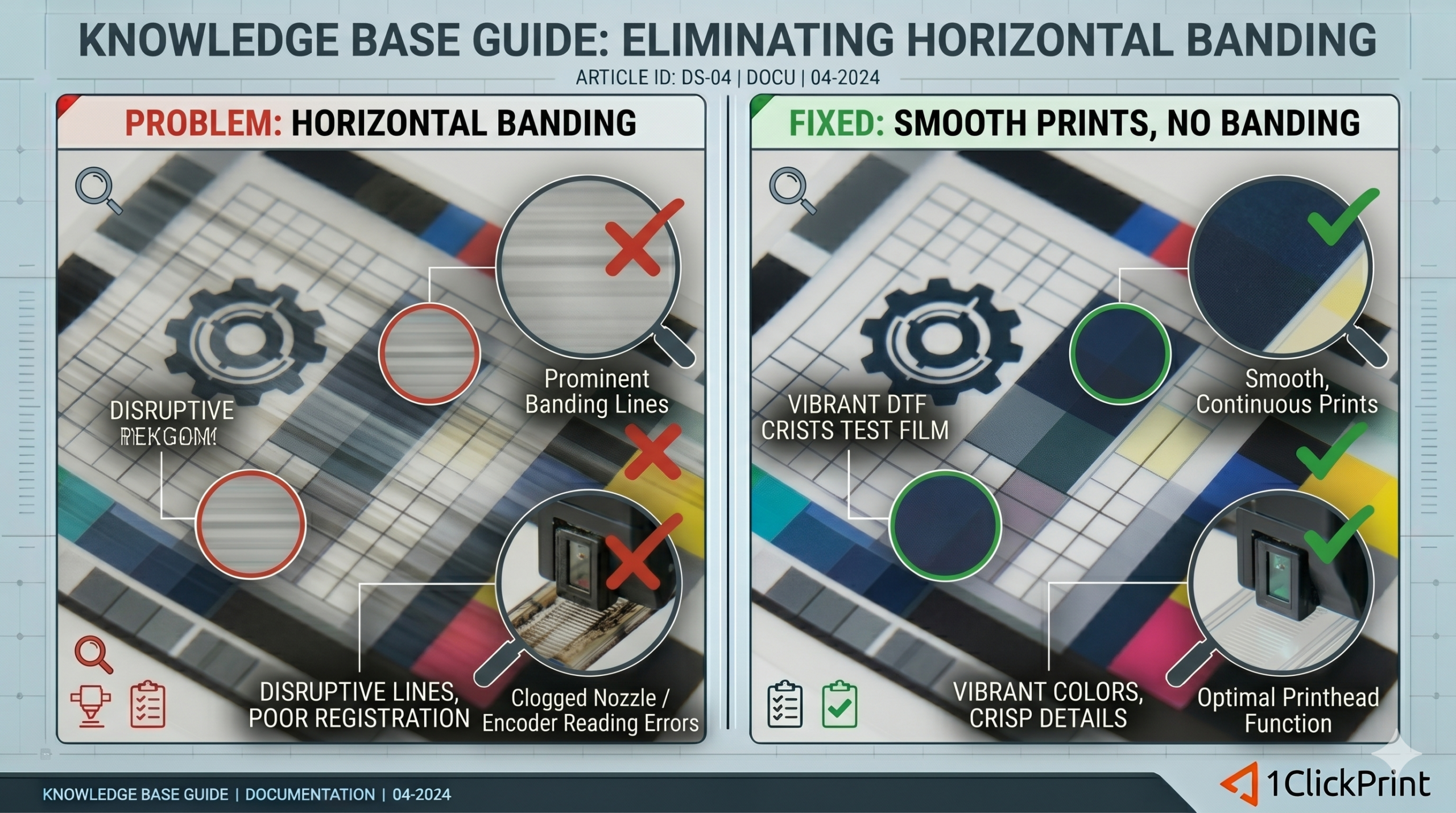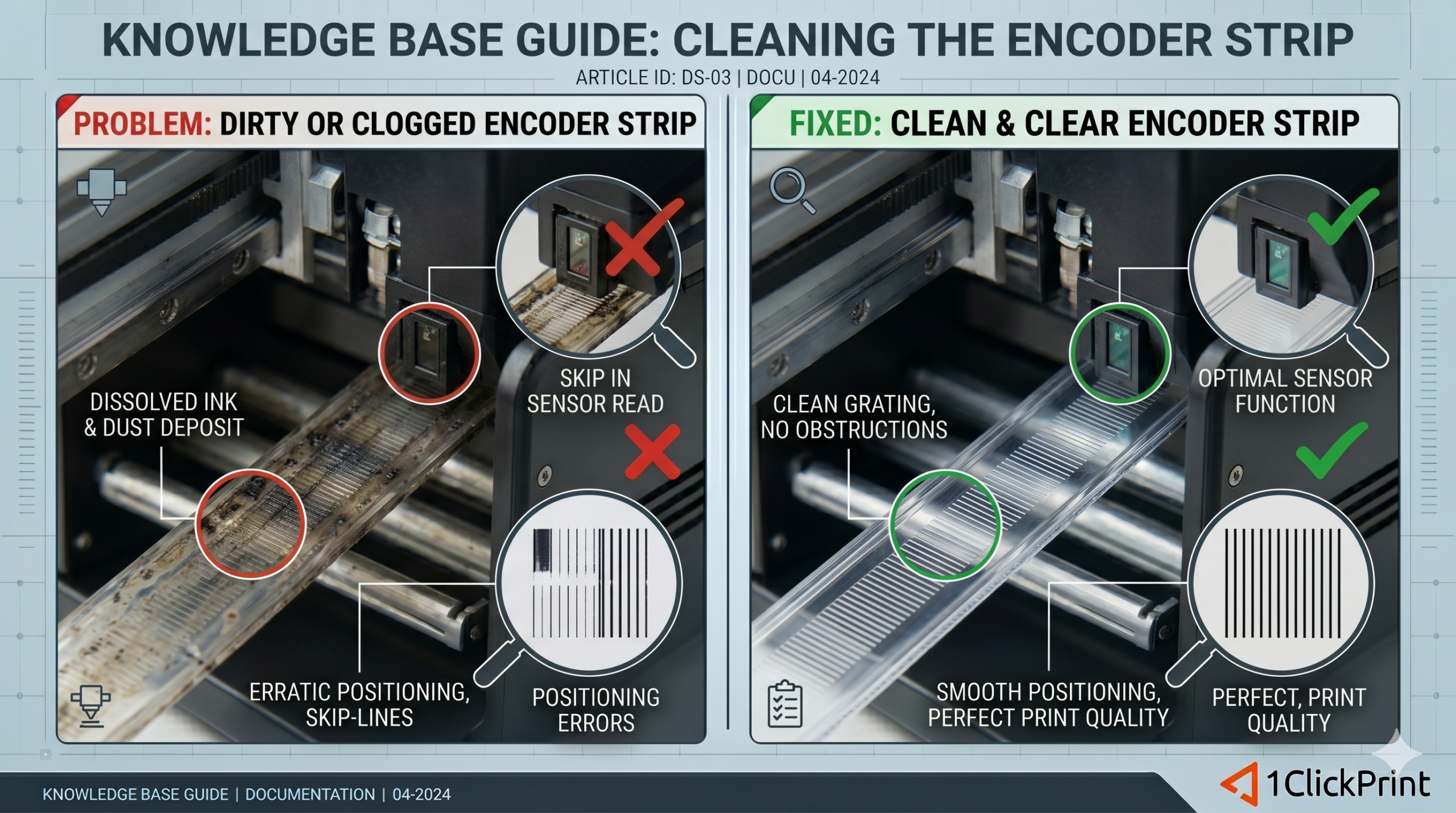
Horizontal banding—those frustrating lines that appear across your prints—is one of the most common hurdles in DTF printing, but it is almost always solvable with a few targeted adjustments. This guide breaks down the primary culprits, from a dirty encoder strip or clogged nozzles to more technical issues like incorrect feed calibration and bidirectional alignment.
In this article, you will learn how to:
Diagnose the cause: Distinguish between ink starvation and mechanical feed issues.
Calibrate your “Step”: Adjust your printer’s feed settings to ensure each pass of the printhead aligns perfectly with the last.
Maintain for precision: Clean critical components like the encoder strip and printhead to eliminate “ghosting” or gaps.
Optimise RIP software: Fine-tune your pass counts and feathering settings to achieve smooth, professional-grade gradients.
Whether you’re seeing white gaps or dark overlaps, follow these steps to restore the solid, vibrant output your DTF printer was built for.